TeamBuildr OS Directions
-
![]()
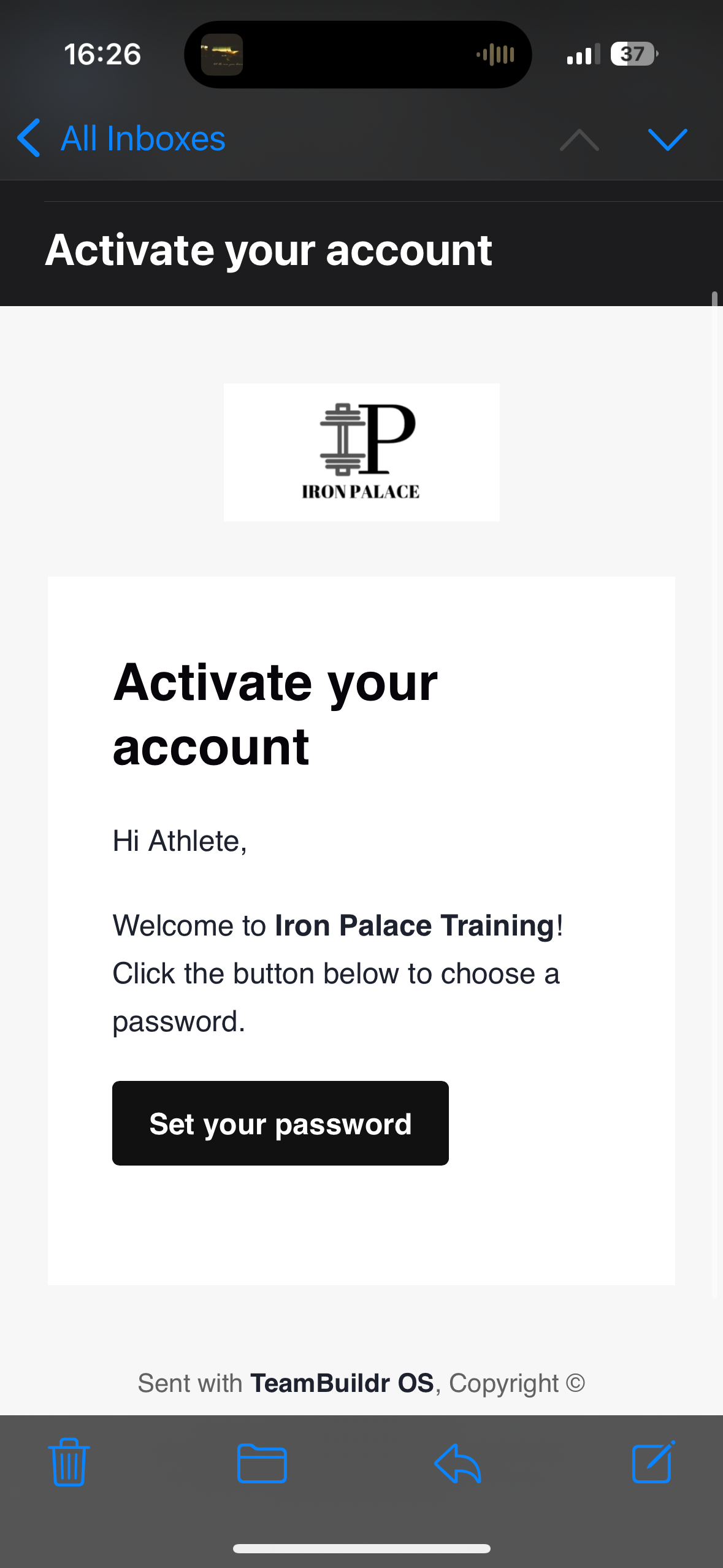
You will recieve an email from TeamBuildr OS prompting you to activate you account. Select "Set your password."
-
![]()
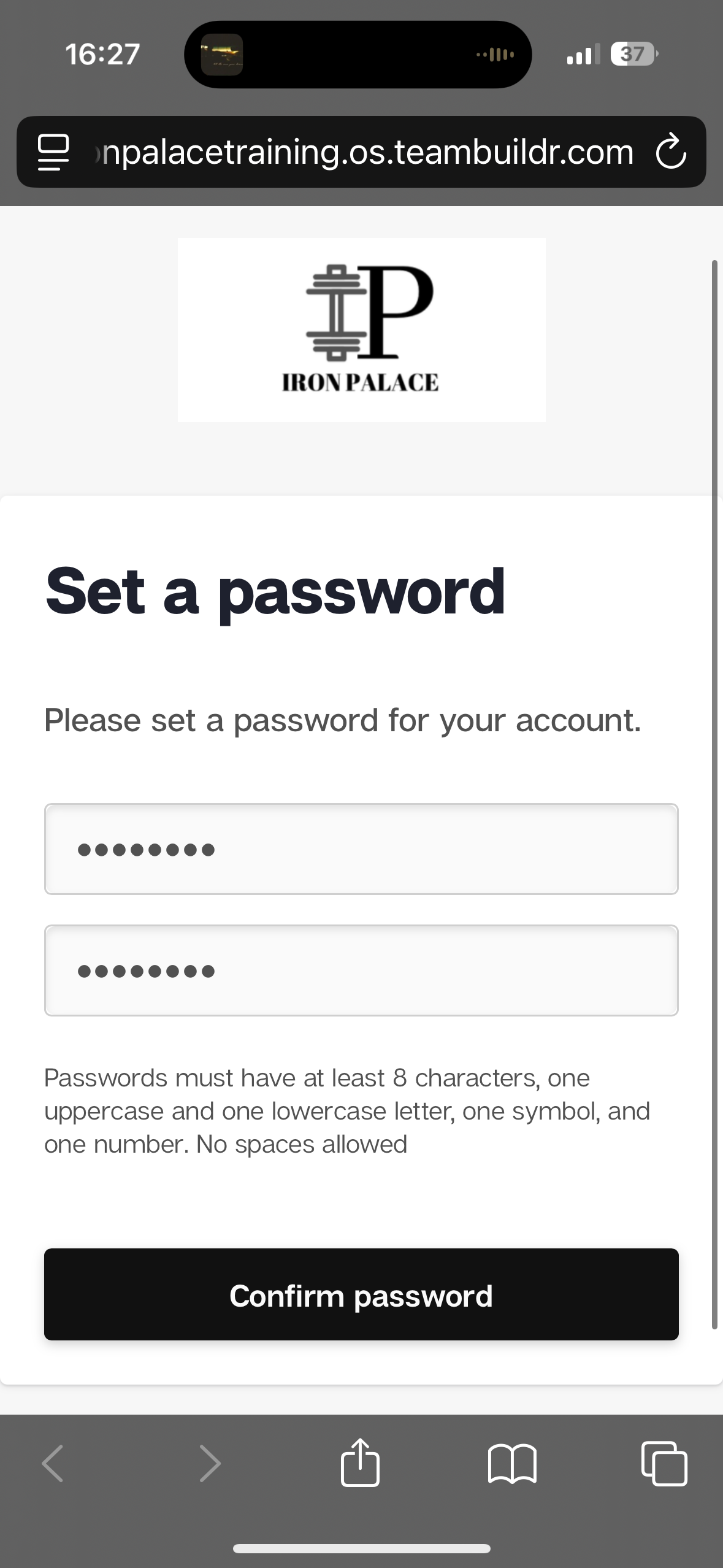
Next set a password you will remember. We recommend using the same password for TeamBuildr Strength.
-
![]()
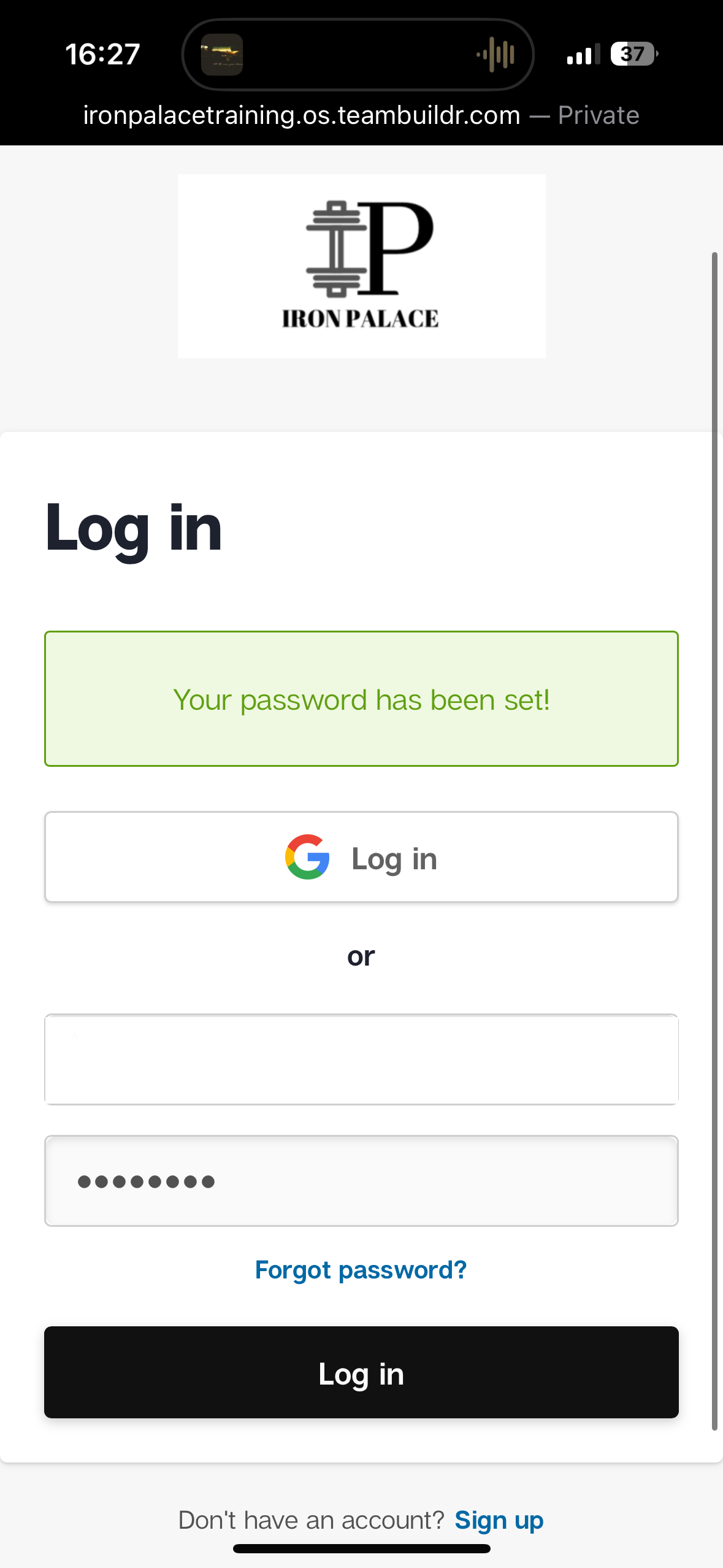
Login using the email you provided with us and your new set password.
-
![]()
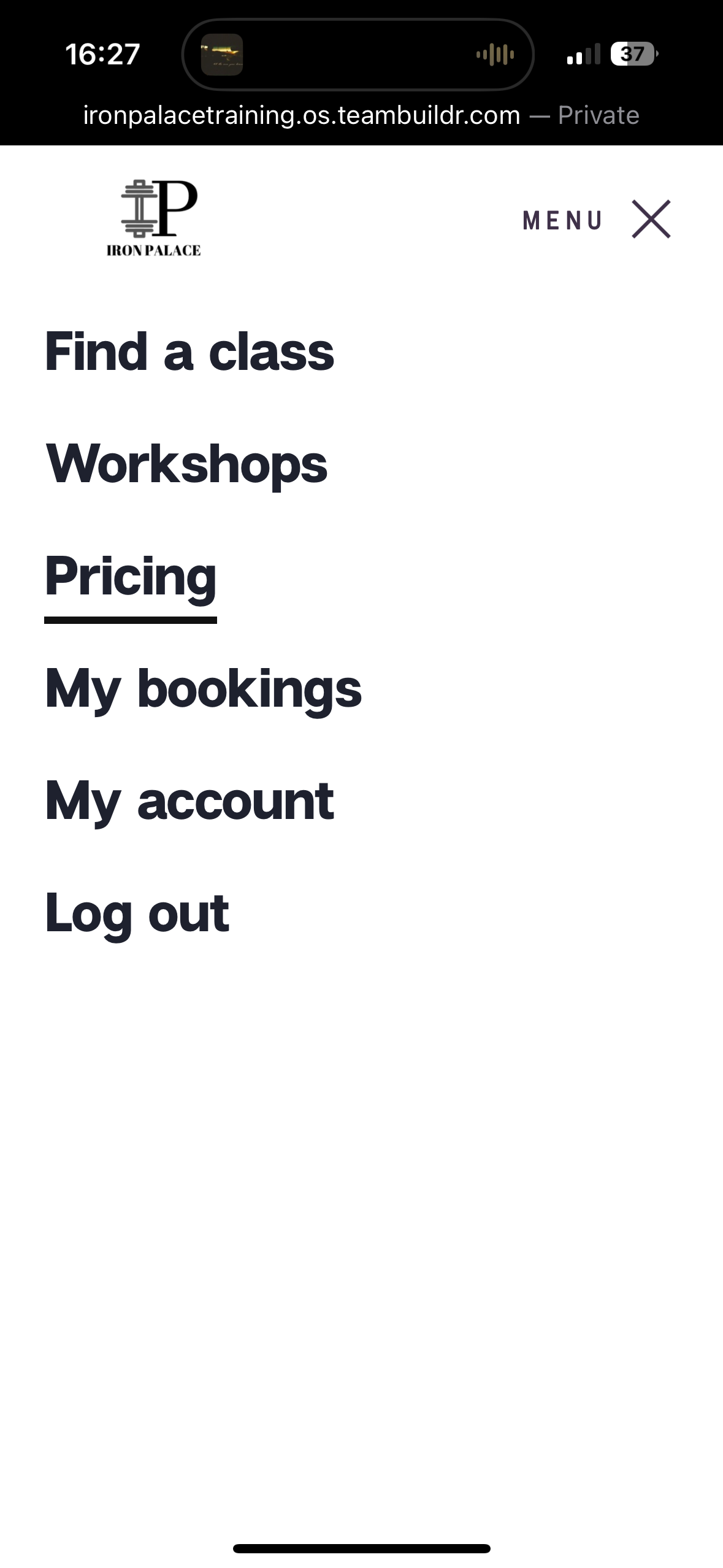
Under the menu select pricing to access memberships.
-
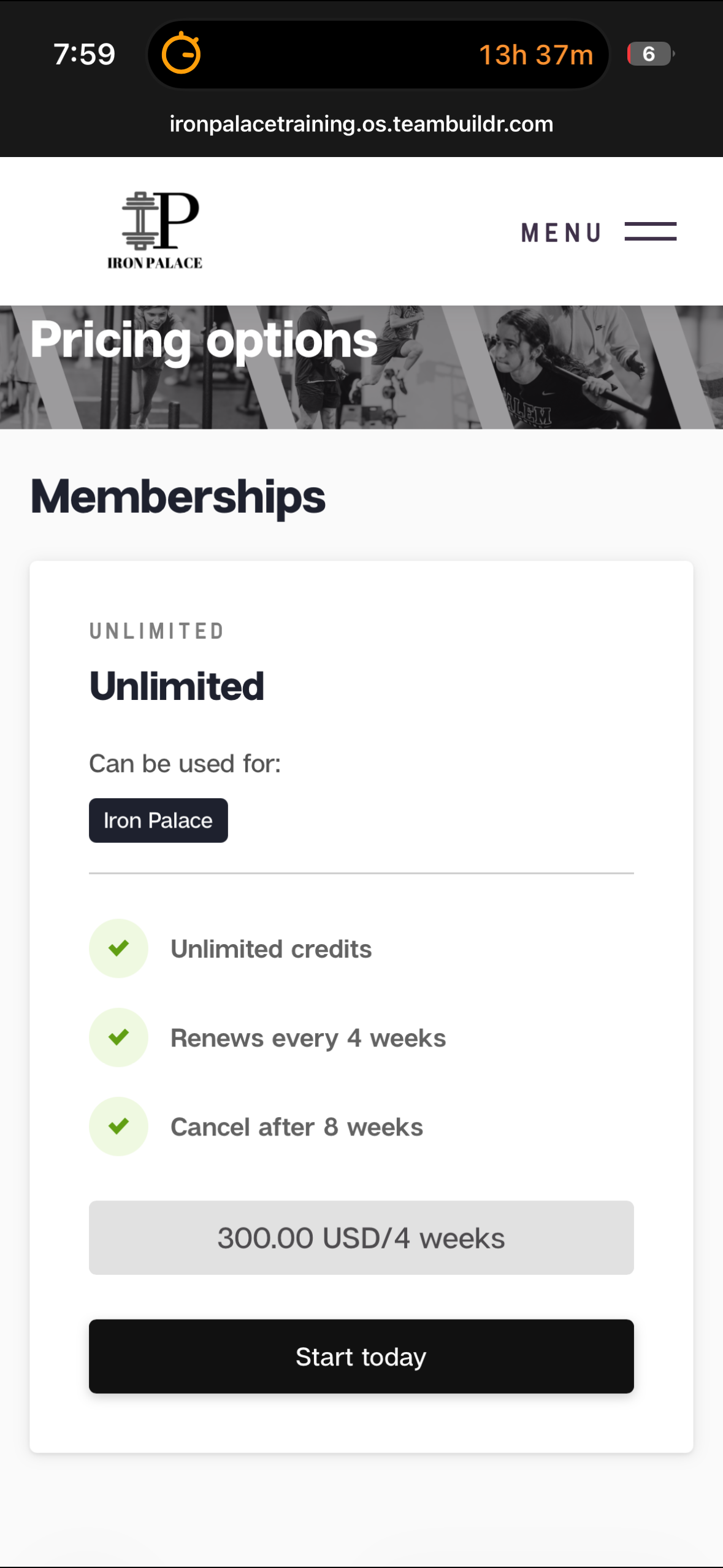
![]()
After clicking pricing this screen should show up. Select "Start today."
-
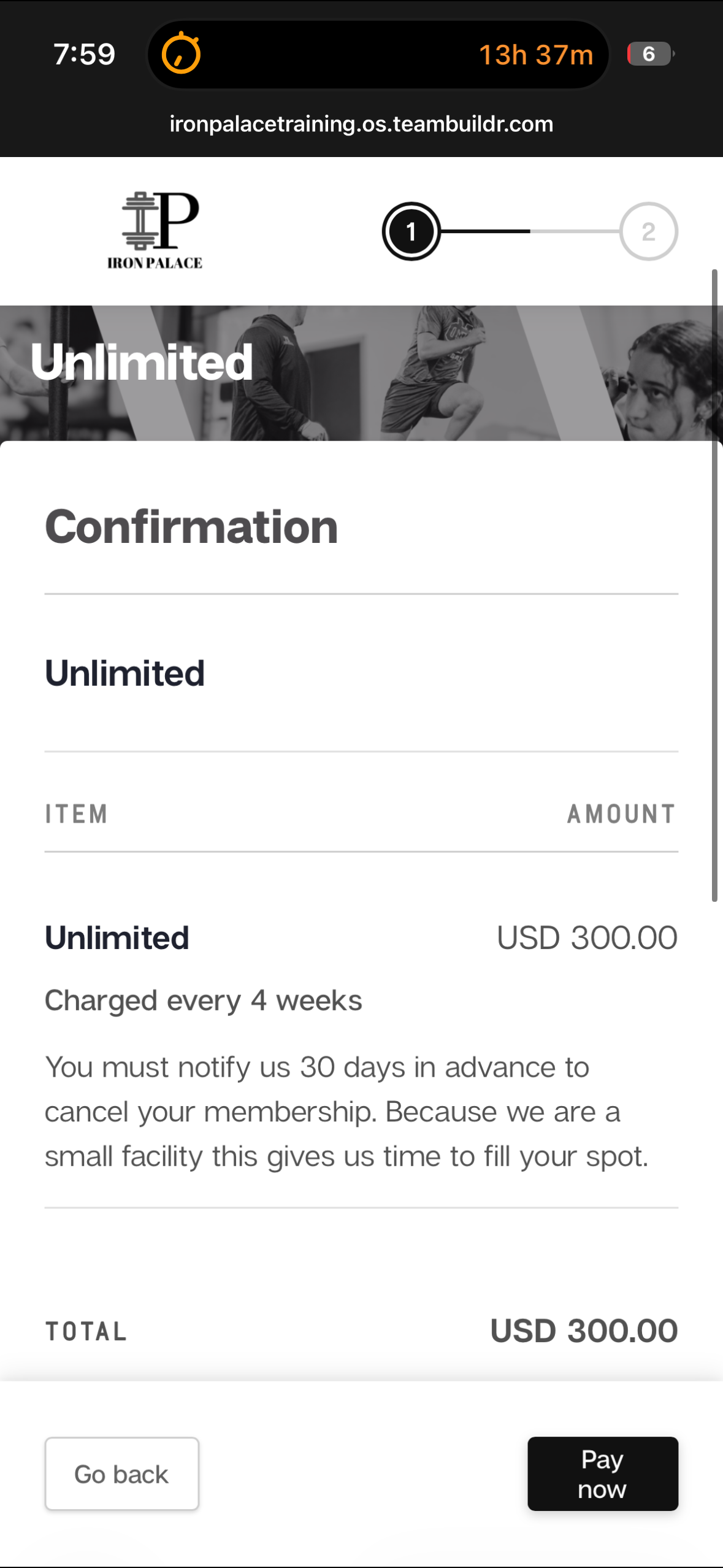
![]()
A confirmation screen will show up. Scroll to the bottom of screen.
-
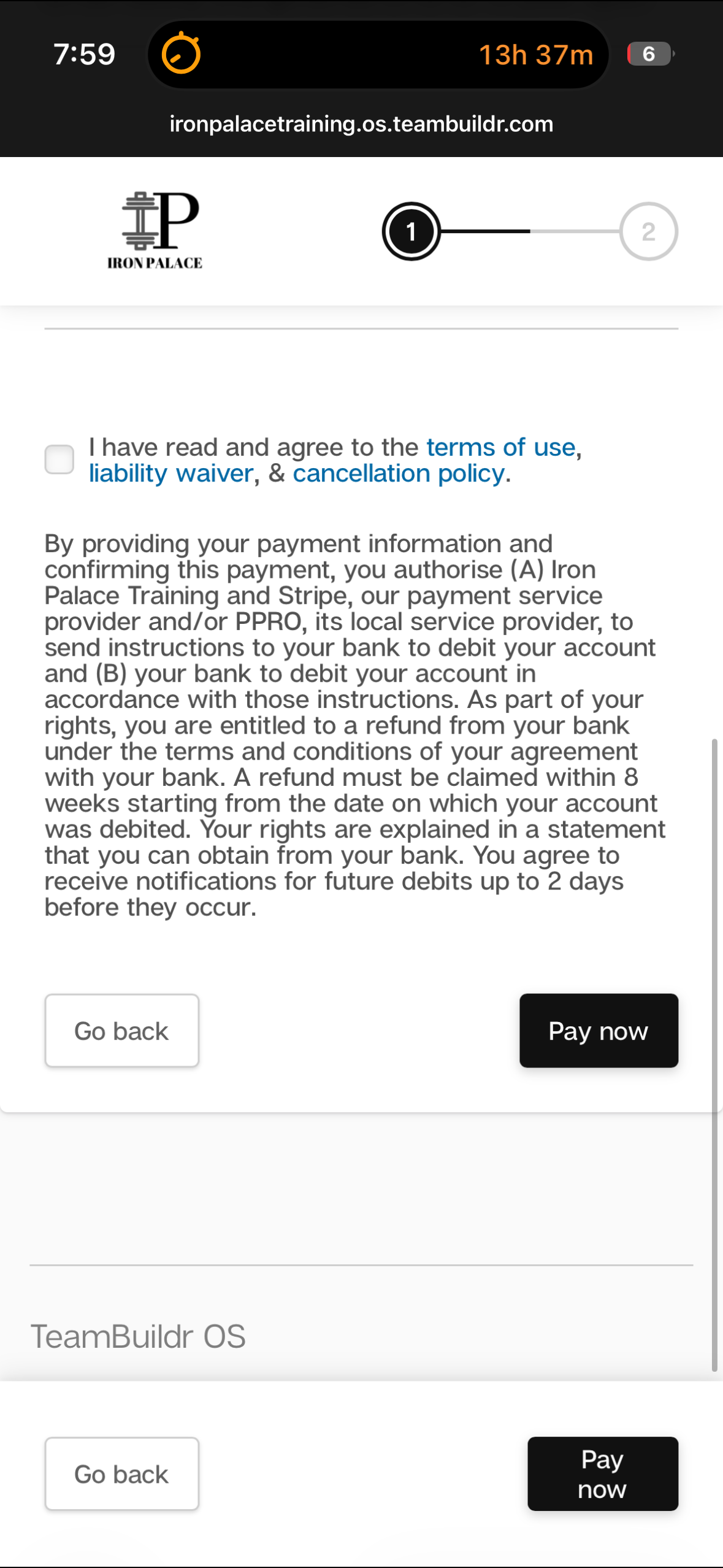
![]()
Please read the Terms of Use, Liability Waiver, & Cancellation Policy. Once you have done so check the box and select "Pay now."
-
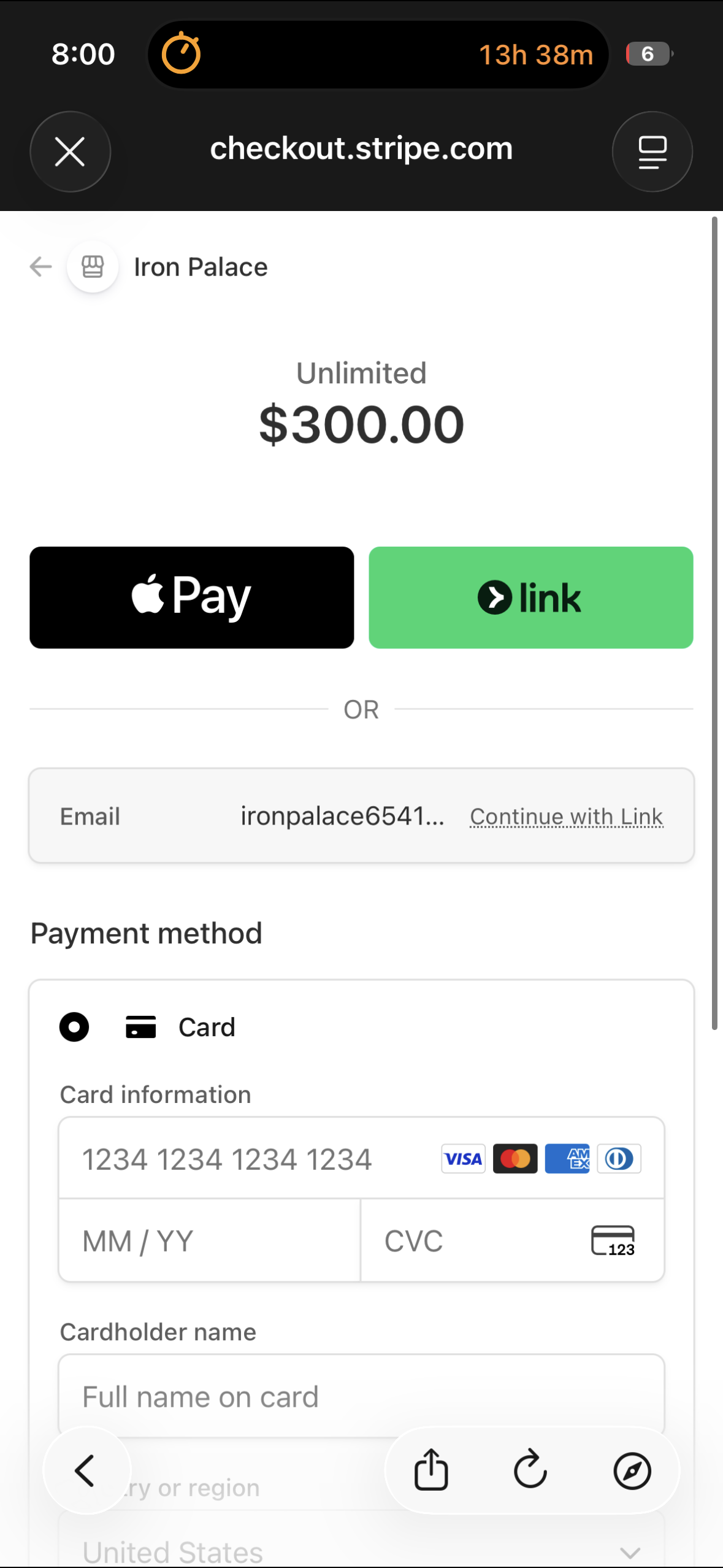
![]()
Enter payment information and select the blue pay button at bottom of screen.
-
![]()
Once you have completed the previous steps you will only need to access Teambuildr OS for card updates or membership cancellation. You should now continue to STEP 3: TeamBuildr Strength Set Up.