TeamBuildr OS Directions
-
![]()
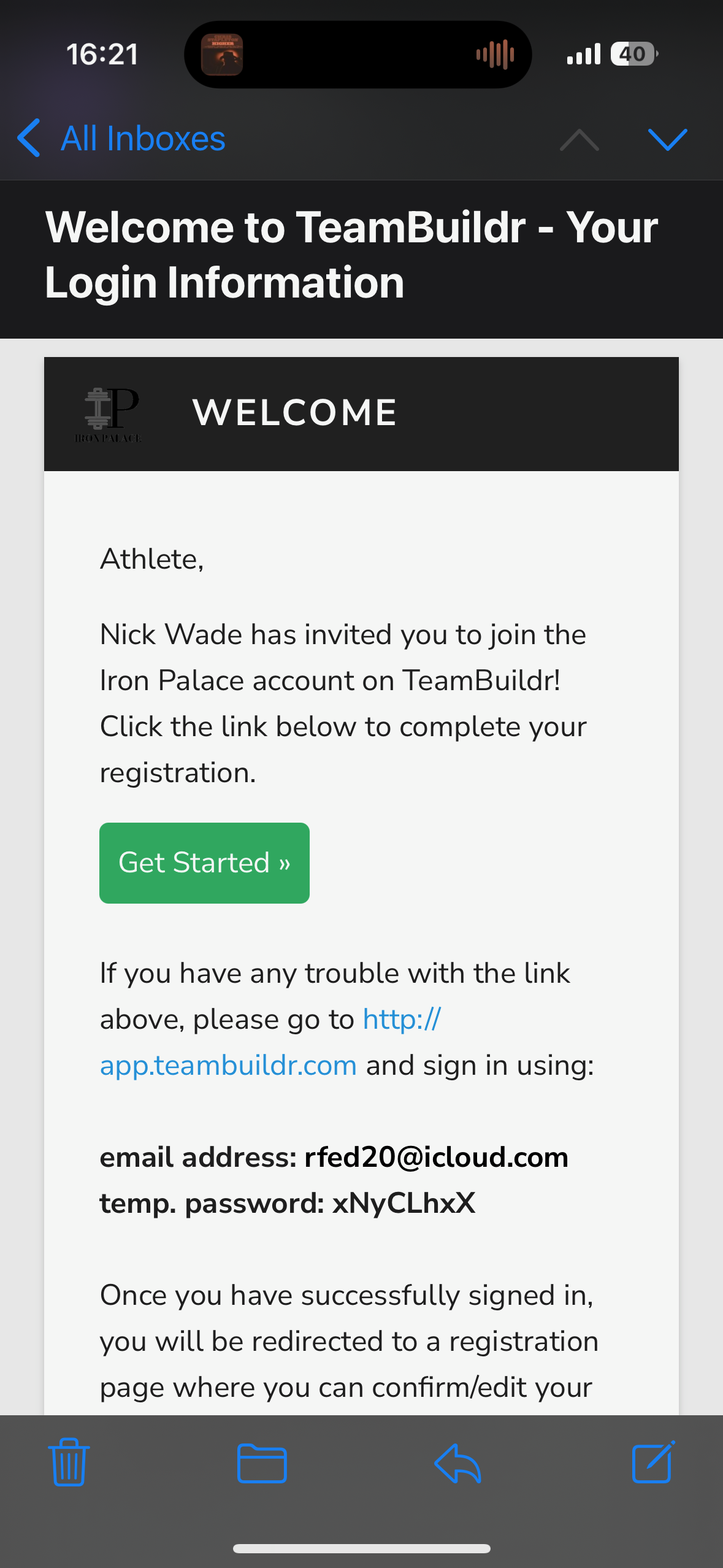
You will recieve an email from TeamBuild Strength. The email will provide you with a temporary password. Click the green "Get Started" button.
-
![]()
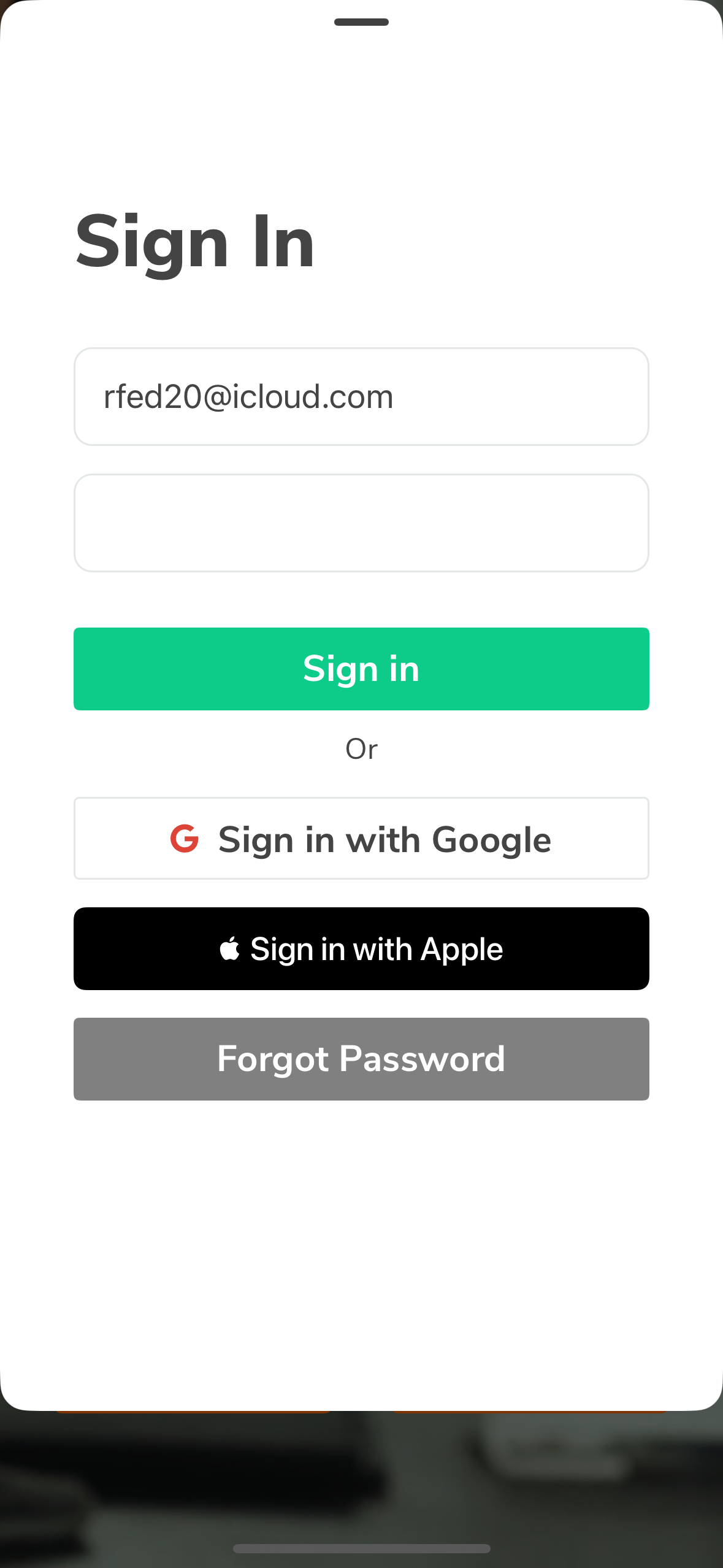
Sign in using the temporary password and make a new one when prompted. We reccommend you use the same password as you did for TeamBuildr OS for simplicity.
-
![]()
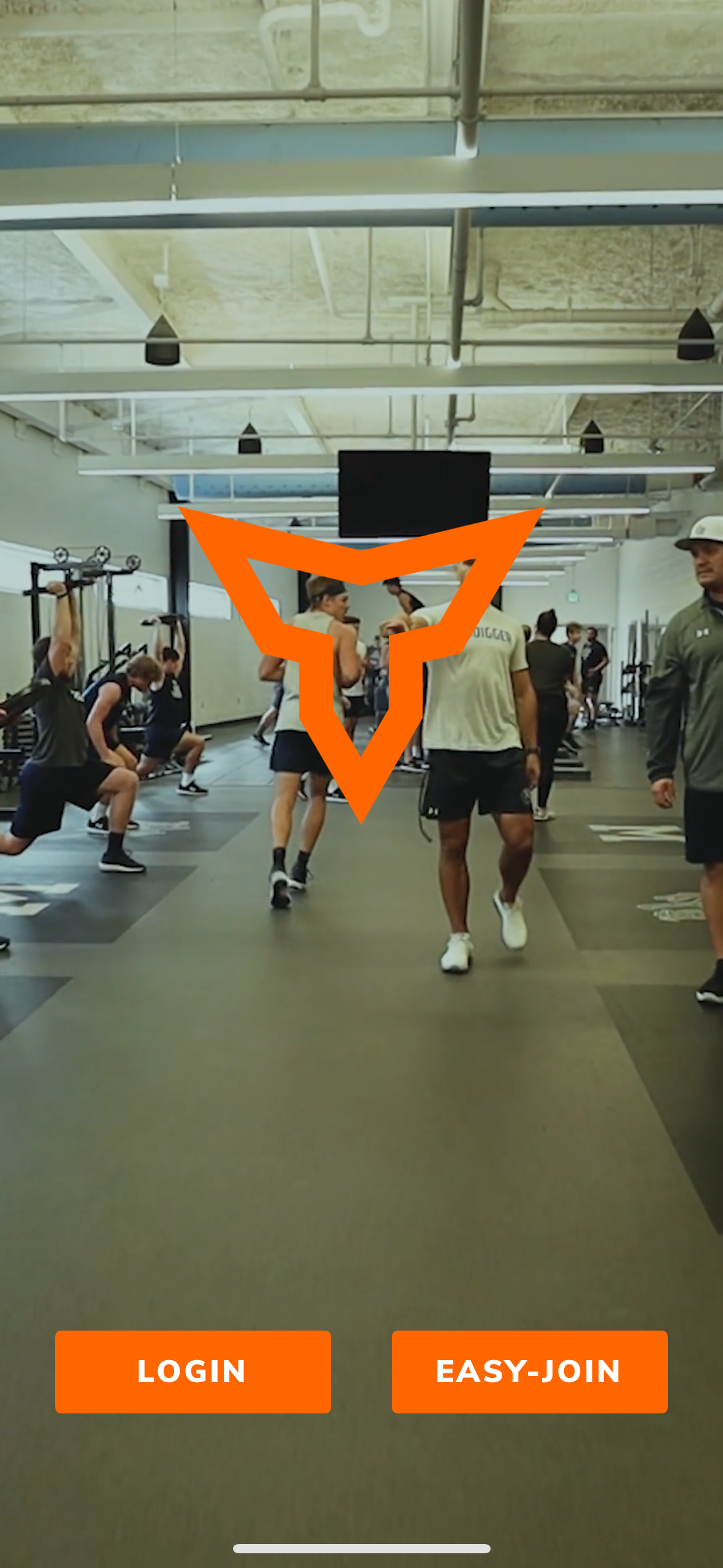
Click "Login."
-
![]()
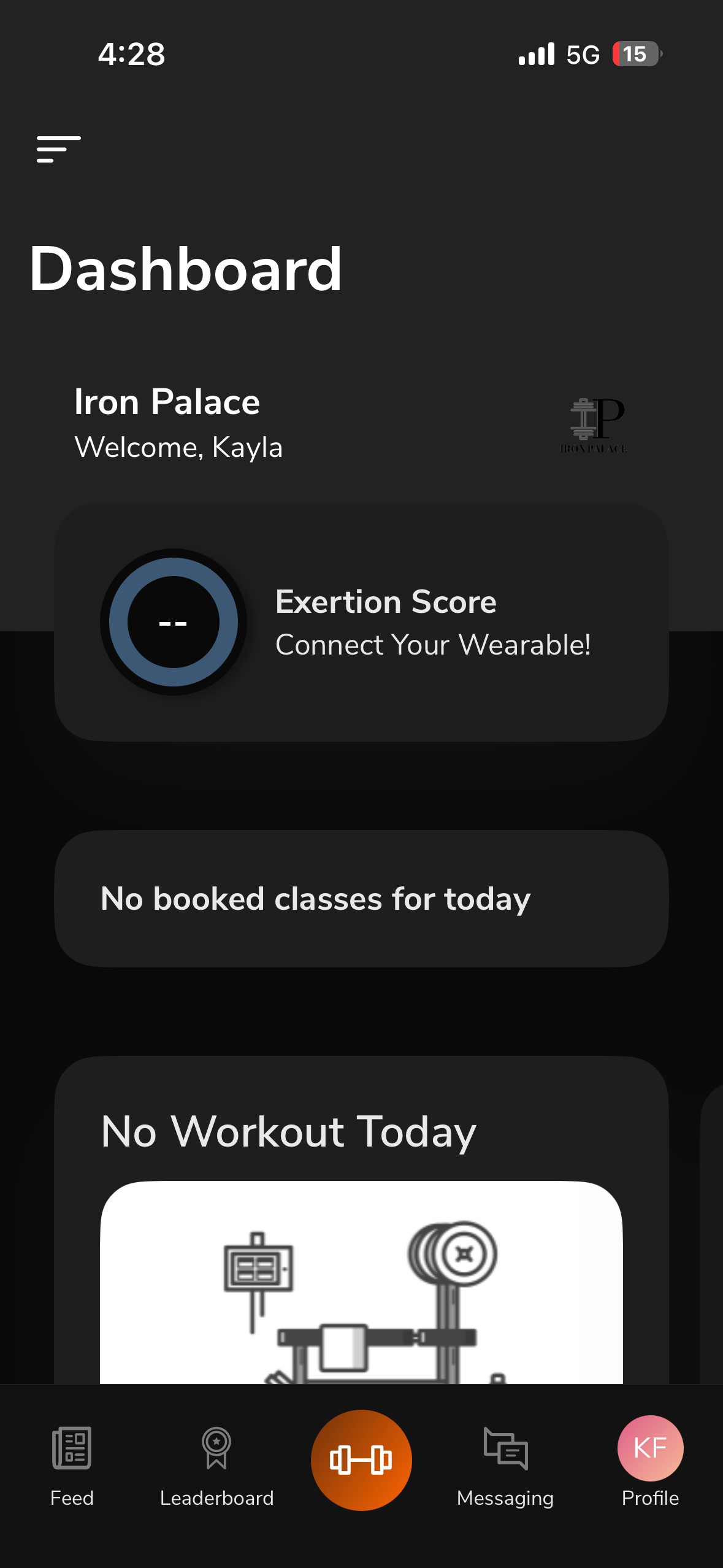
Once signed in you will be brought to the Dashboard. Click "No booked classes for today" to begin signing up for specific class times.
-
![]()
Next click "BOOK A CLASS."
-
![]()
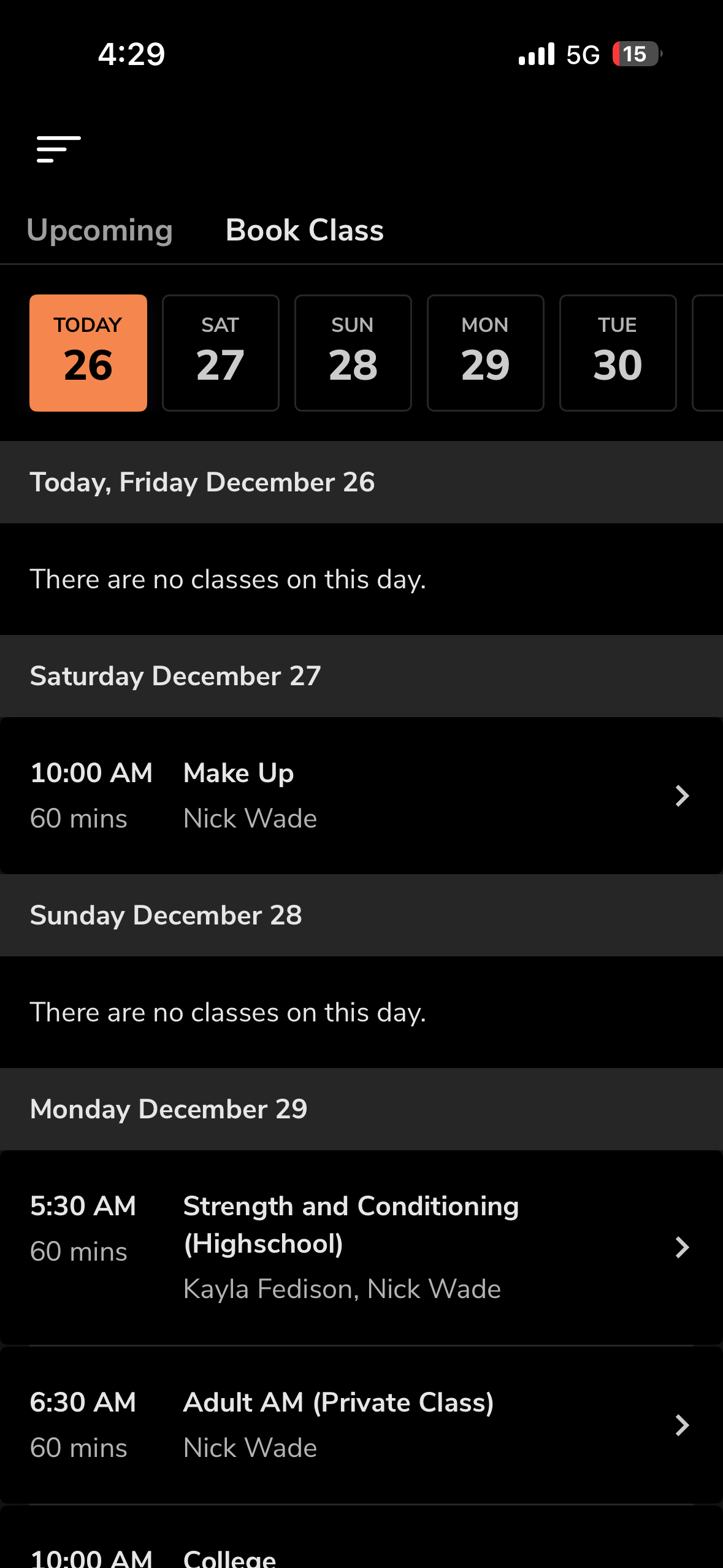
You will be brought the class calendar. Select the class you want to book.
-
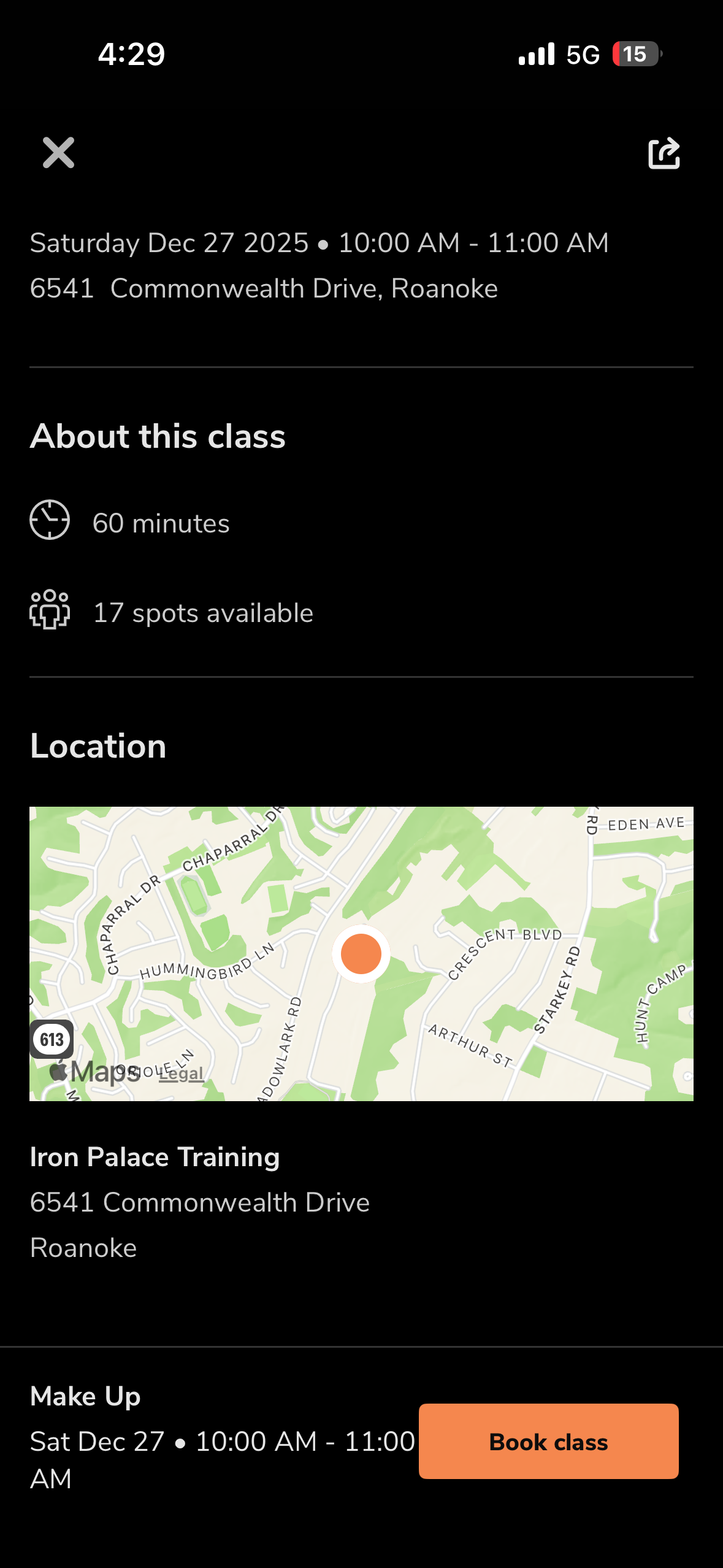
![Lastly select "Book Class."]()
Lastly select “Book Class.”
-
![]()
Make sure you book all of your classes you are going to attend. This allows for us to make sure each athlete can be coached.